How to Save Up to 10 Hours a Week With a Booking Appointment App
If you run a clinic, barbershop, salon, or beauty center, you already know this: booking appointments is not just about adding a time slot to a calendar. It means replying to WhatsApp messages, confirming appointments, rescheduling, sending reminders, and answering the same questions over and over again—and all of that adds up. A booking appointment app for businesses integrated with WhatsApp can give those hours back so you and your team can focus on what really matters: serving clients and growing your business.
In this article, I’ll walk you through—with practical examples and supporting data—how to automate your appointment flow (WhatsApp booking, confirmations, reminders, and chatbots) and how much time you could realistically save each week.
The Real Problem Isn’t Appointments — It’s the Time They Consume
Each interaction to book or manage an appointment usually takes between 2 and 7 minutes (initial message, time negotiation, confirmation). If you handle 10 appointments per day and each one takes about 5 minutes to manage manually, that’s 50 minutes a day just booking appointments—almost 4 hours per week. Multiply that by multiple staff members or multiple channels (WhatsApp, phone calls, Instagram), and the time cost quickly explodes.
Industry reports show that scheduling meetings and handling related administrative tasks consume real working hours every week. One study on meeting habits found that 43% of professionals spend at least 3 hours per week just scheduling appointments—and that number is even higher for teams managing a large volume of clients.
What Is a Booking Appointment App for Businesses and How It Saves You Time
A booking appointment app for businesses is a web-based or mobile system that allows clients to view availability, book appointments, reschedule, and receive confirmations and reminders—without manual intervention. When this system is integrated with WhatsApp (a WhatsApp-based booking system), clients can complete everything inside the app they already use daily, while you eliminate most back-and-forth messages.
Key benefits:
-
24/7 bookings (clients can schedule outside business hours)
-
Fewer manual messages
-
Automatic confirmations and reminders
-
Centralized booking history and fewer errors
-
A WhatsApp chatbot available 24/7 for customer support
Businesses that adopt scheduling software consistently report efficiency improvements and, in many cases, higher booking volume and customer retention.
5 Practical Ways to Save Time by Automating Your Appointments
1) Book Appointments via WhatsApp Without Replying to Every Message
Today, tools like Happoin allow you to activate a WhatsApp chatbot that lets clients book appointments directly inside the chat—without leaving WhatsApp.
This chatbot syncs automatically with your availability inside the Happoin appointment app, ensuring real-time scheduling.
Practical example:
A client messages your WhatsApp at midnight and books an appointment for Saturday. When you wake up, there are no unread messages—the chatbot handled everything for you.
Estimated time savings:
If even 30% of bookings become self-service, your time spent replying to messages drops significantly.
2) Let Clients Book on Their Own Using a 24/7 Booking Link
Advantage: Always-on availability with fewer interruptions during working hours.
Example:
You share your booking link on Instagram → the client selects a service and time → the appointment is automatically added to your scheduling software, no manual work required.
Many businesses see higher booking conversion and smoother operations after implementing a proper booking system.
3) Send Automated WhatsApp Appointment Reminders from Your Business Number
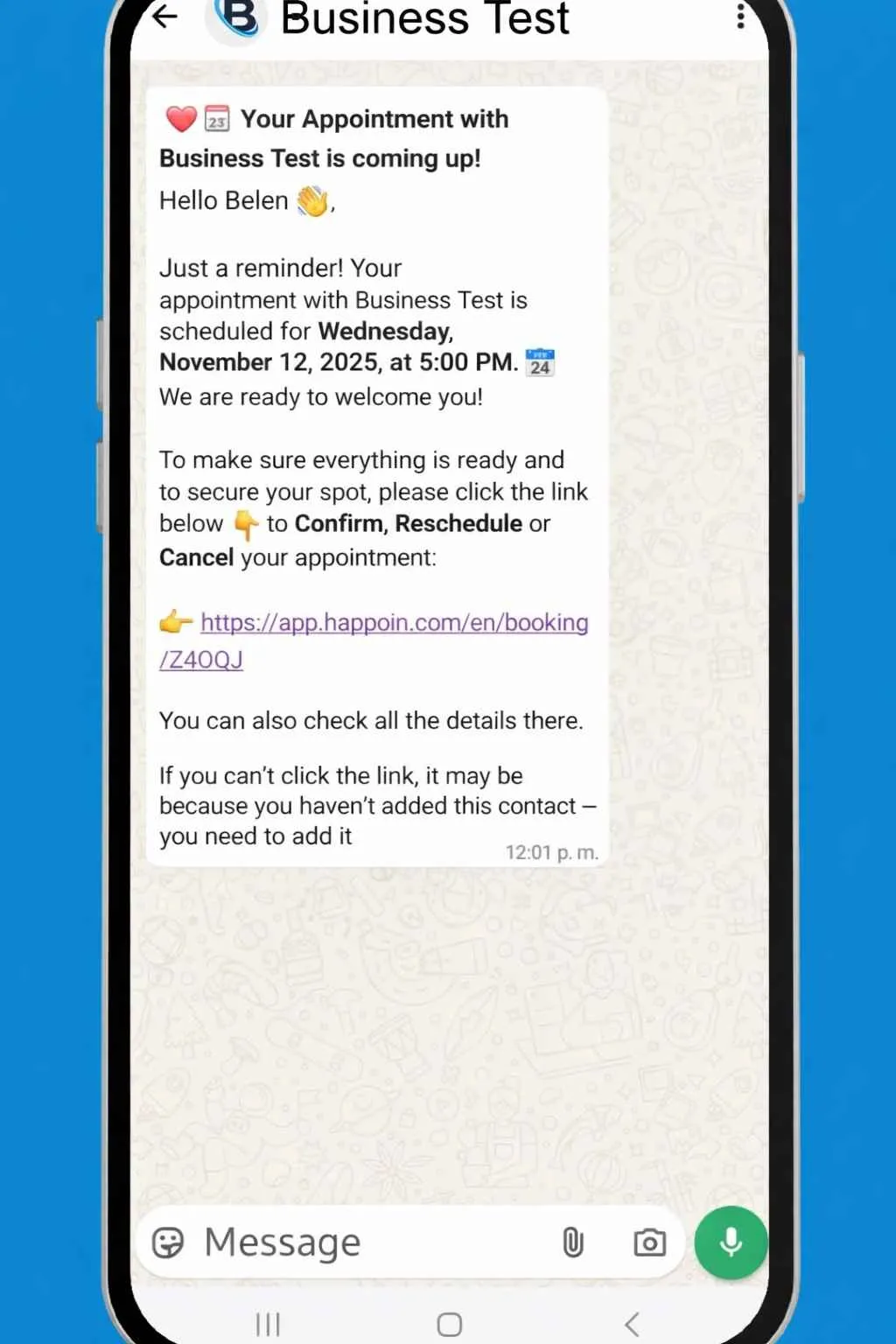
Sending WhatsApp appointment reminders automatically helps reduce no-shows and eliminates the need to contact clients one by one. Messages sent via WhatsApp have open rates close to 95%, significantly lowering missed appointments.
When clients can confirm, cancel, or reschedule directly from the reminder message, you can save several hours per week compared to sending reminders manually.
4) Use a WhatsApp Chatbot for Appointment Bookings
How many times a day do you answer the same questions?
-
Where are you located?
-
What are your prices?
-
When do you have availability?
A WhatsApp chatbot handles frequently asked questions such as hours, pricing, policies, guides clients through the booking flow, and processes confirmations.
Example flow:
“Would you like to book a haircut?” → Select stylist → Choose time → Confirm.
Measurable benefit:
Chatbots significantly reduce repetitive inquiries and allow your team to focus only on conversations that require human attention.
5) Centralize Everything in One Scheduling Software
Using multiple tools—manual WhatsApp chats, spreadsheets, calendars—creates friction and wasted time. A centralized scheduling software that integrates WhatsApp, reminders, and payments streamlines operations, reduces errors, and frees up administrative hours.
How Many Hours Can You Really Save with Automation?
Here’s a realistic example based on small service businesses:
-
Small business:
10 appointments/day × 5 minutes manual handling = 50 minutes/day → ~4 hours/week -
With automation:
Reducing manual work by 75% (automated bookings + confirmations + reminders) lowers time spent to ~1 hour/week → ~4 hours saved per week -
Higher-volume businesses:
When calls and rescheduling are also reduced, saving 6–10 hours per week is very realistic.
Industry data consistently shows that professionals spend multiple hours per week on scheduling and admin tasks—automation converts that time into productive work.
What a Good WhatsApp Booking Appointment App Should Include
When evaluating options, make sure the tool includes:
-
Native WhatsApp integration for confirmations and reminders
-
Automated booking flows (self-service)
-
Programmable reminders (days/hours before appointments)
-
One-click WhatsApp appointment confirmation
-
A WhatsApp chatbot for bookings and FAQs
-
Centralized calendar with team scheduling
-
Reports on no-shows, cancellations, and booking conversion
Without these features, it’s not a true time-saving booking appointment app.
How to Start Automating Appointments Without Complications
Quick step-by-step:
-
Define services, durations, and availability
-
Choose a booking appointment app for businesses with WhatsApp automation
-
Create simple flows: booking → confirmation → reminder (24–48 hrs)
-
Test internally for one week and adjust messaging
-
Promote your booking link on social media and WhatsApp signature
Common mistakes:
Overly complex flows, confusing messages, or no clear way to talk to a real person. Automation should support—not replace—human interaction.
Happoin: Automate Your WhatsApp Appointments and Get Your Time Back
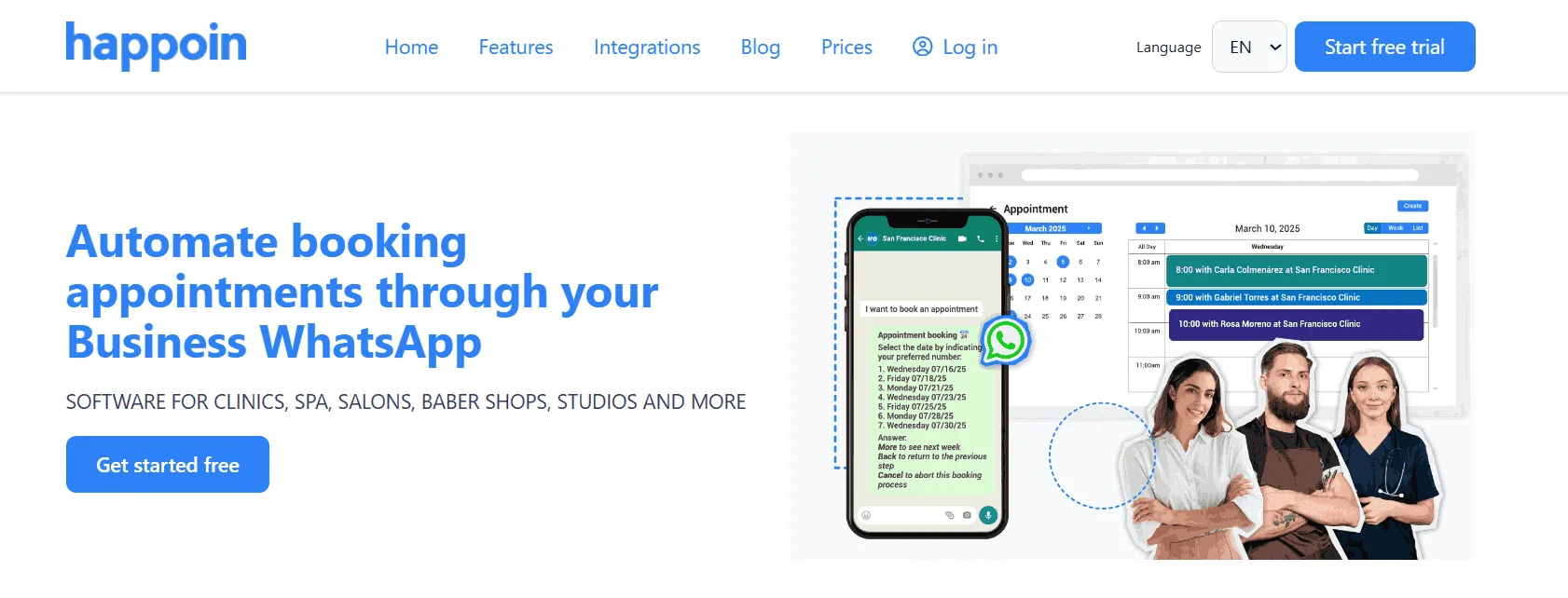
Happoin is a booking appointment app for businesses designed for companies that already rely on WhatsApp. With integrated bookings, confirmations, WhatsApp appointment reminders, and an AI-powered WhatsApp chatbot, Happoin centralizes appointment management and reduces administrative workload—helping teams recover valuable hours every week.
Below are its key features and how each one saves time.
Appointment Scheduling for Individuals or Teams
Happoin works whether you’re a solo professional or manage a team (doctors, stylists, barbers, therapists).
-
Each professional has individual availability
-
Centralized scheduling from one dashboard
-
No double bookings or human errors
Time impact:
Less coordination, fewer internal messages, fewer last-minute fixes.
Automated WhatsApp Appointment Reminders
Manual reminders are one of the biggest time drains. Happoin automates them completely.
-
Customize the text and schedule for the reminders to be sent before the appointment.
-
Messages sent directly from your business WhatsApp
-
No manual intervention
Impact:
Fewer no-shows, fewer follow-up calls, zero reminder workload.
Custom Message and Timing Personalization
Every business communicates differently. Happoin lets you customize reminder messages and sending times.
-
Brand-aligned tone
-
Client and professional name personalization
-
Delivery times tailored to your operation
Customer experience impact:
Messages feel human and clear, not robotic.
AI-Powered WhatsApp Chatbot
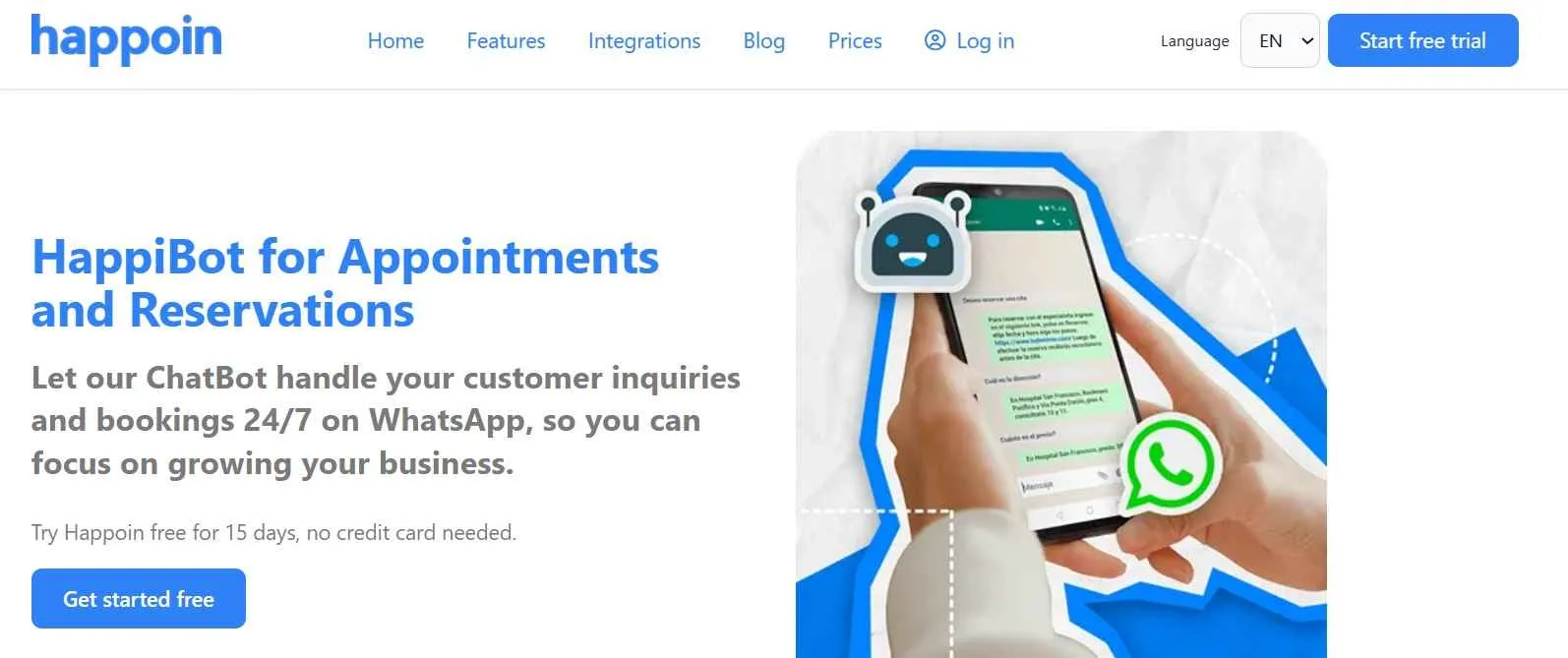
With Happoin, you can activate HappiBot 2.0, an AI-powered WhatsApp chatbot that handles frequent requests automatically.
The chatbot can:
-
Answer FAQs and general questions using AI trained on your business info
-
Book appointments directly inside WhatsApp
-
Confirm or reschedule appointments
Time impact:
Drastically reduces repetitive messages and only escalates when needed.
24/7 Booking Link
Happoin provides a booking link that lets clients schedule anytime.
-
Available 24/7
-
Shareable on WhatsApp, social media, or your website
-
No waiting for replies
Impact:
More confirmed bookings, zero time spent outside business hours.
Appointment Metrics and Reports
Beyond automation, Happoin gives you full visibility with clear reports.
You can track:
-
Total appointments booked
-
Confirmed, canceled, and missed appointments
-
Revenue performance by service or professional
Decision impact:
Less guessing, more data-driven decisions.
You can try Happoin 15 days free
Why Happoin Is a Perfect Fit for Appointment-Based Businesses
Clinics, barbershops, salons, beauty centers and any appointment based business all face the same challenge: lots of appointments, limited time. Happoin removes that bottleneck by automating the entire booking, confirmation, and reminder flow through WhatsApp.
The result:
-
Fewer daily interruptions
-
Less operational stress
-
More time to serve clients and grow your business
Conclusion: Fewer Messages, More Time for Your Business
If you’re still managing appointments manually, you’re paying with your time in small daily transactions. A booking appointment app for businesses that works with WhatsApp doesn’t just simplify scheduling—it gives you real time back. With well-designed flows (automated booking, confirmation, and reminders), many businesses recover 3 to 10 hours per week, depending on volume and adoption.
Frequently Asked Questions About WhatsApp Appointment Booking Apps
What is a booking appointment app and what is it used for?
It’s a tool that allows clients to book, confirm, or reschedule appointments automatically, saving time and reducing errors.
Can I book appointments directly from WhatsApp?
Yes. Many tools offer WhatsApp-based booking systems that handle reservations, confirmations, and reminders inside the chat.
What’s the difference between an appointment app and manual booking?
An appointment app automates availability and confirmations, while manual booking requires back-and-forth messages and reminders.
Do WhatsApp appointment reminders really reduce no-shows?
Yes. Automated reminders significantly reduce missed appointments in service-based businesses.
Can appointments be confirmed automatically via WhatsApp?
Absolutely. Good scheduling software allows one-click confirmation, cancellation, or rescheduling.
Does a WhatsApp chatbot replace human support?
No. It automates repetitive tasks so humans can focus on what really matters.
Is this system suitable for clinics, salons, and barbershops?
Yes. The higher your appointment volume, the more time you save.
How much time can I really save?
Most businesses save between 3 and 10 hours per week, especially when WhatsApp is their main communication channel.