
CTO | Web developer
Why WhatsApp Appointment Reminders Are a Game Changer for Small Businesses
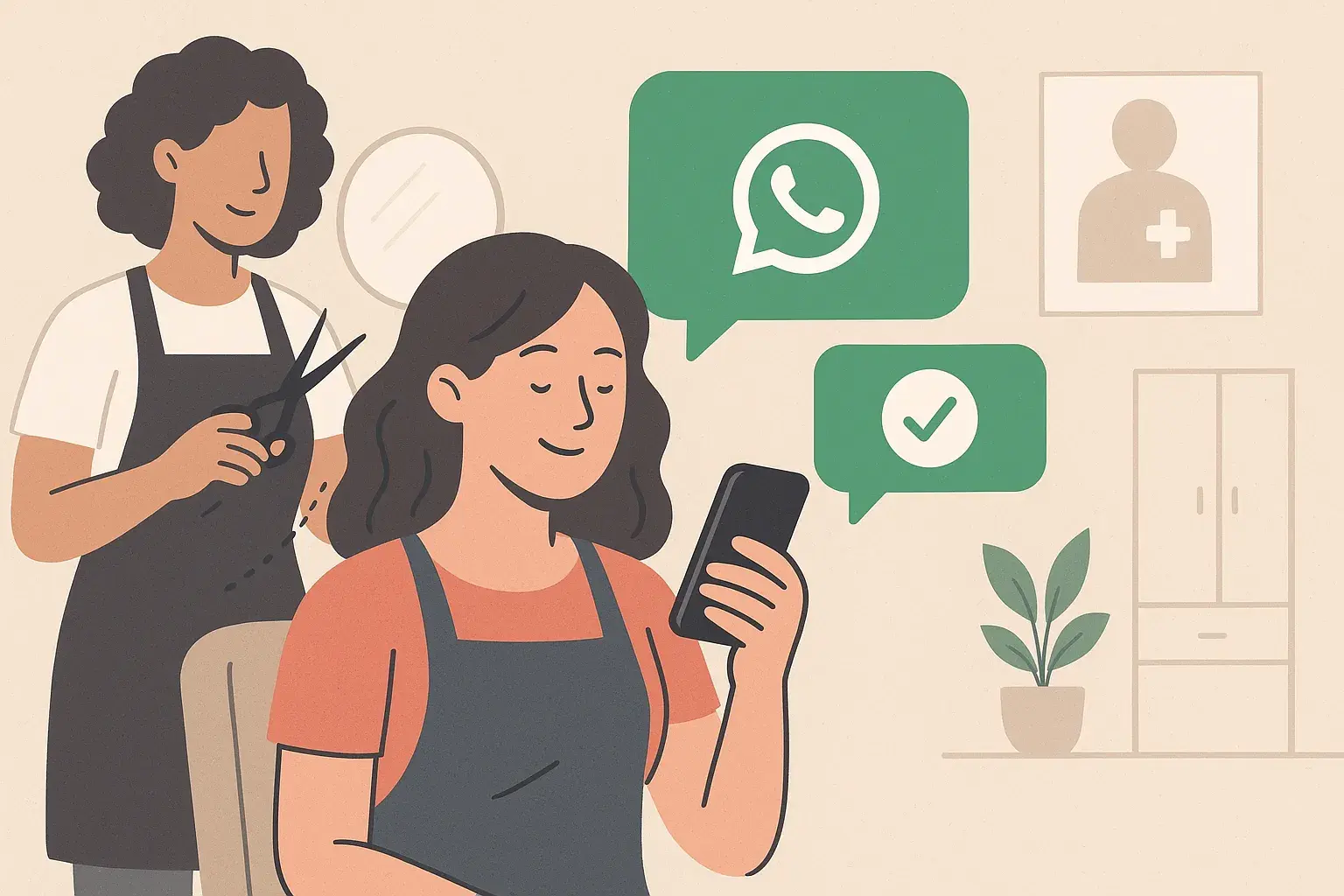
WhatsApp appointment reminders are automated messages sent through WhatsApp to confirm, remind, or reschedule client bookings without any manual follow-up. They work because WhatsApp messages get opened around 98% of the time, far more than SMS or email. The best tools, like Happoin, send these reminders from your own business WhatsApp number, so clients recognize exactly who's messaging them.
-
Fewer no-shows: automatic reminders address the main reason clients forget or skip appointments.
-
Hours back every week: no more typing the same confirmation message to every client.
-
Higher trust: messages arrive from your business's own WhatsApp number, not a stranger's.
-
Works alongside your calendar: tools like Happoin sync with Google Calendar automatically.
Between 2 and 4 hours a day get lost on manual WhatsApp appointment management: confirming bookings, answering the same questions, and chasing clients who might not show up. If you run a clinic, salon, barbershop, physio practice, or training studio, that's time you could spend with paying clients instead.
This guide breaks down what WhatsApp appointment reminders are, what they actually save you, and how to set them up the right way.
The task of manually confirming appointments and the use of messages on WhatsApp
Confirming appointments via WhatsApp involves more than just sending a confirmation message. Initially, coordinating a suitable time with the client requires a back-and-forth conversation to agree on the date, time, and location.
Once the appointment have been booked, it’s essential to send reminder messages to ensure the appointment will take place and reduce no-shows. Usually this task is done manually sending a message one by one to each client in order to confirm the appointment. A task that takes a lot of time daily and could be easily automated using an appointment software.
The time spent confirming appointments via WhatsApp can vary widely depending on factors such as the number of appointments booked. On average, confirming each appointment can take between 5 and 10 minutes.
How much money are you losing for no shows?
Between 13 and 19% of clients don’t show up to their appointments. It is estimated that beauty salons lose between $11K - $20K per year due to no-shows, and in the healthcare sector, such as hospitals or clinics, losses of millions of dollars per year are estimated depending on the volume of patients they serve.
Automated WhatsApp reminders for clients are an excellent solution to stop losing money due to no-shows.
Why WhatsApp Reminders?
-
High open rates: WhatsApp messages are opened over 90% of the time. This means your appointment reminders and confirmations are far more likely to be seen and acted upon.
-
Real-time communication: WhatsApp allows your clients to confirm, cancel, or reschedule appointments instantly with a simple message, streamlining your scheduling process.
3 Reasons to Implement WhatsApp Appointment Reminders
Using WhatsApp appointment reminders can significantly reduce no shows and increase business revenue. Here are 3 reasons why you should implement it in your business:
1. Lower No-Shows
No-shows are one of the challenges that appointment-based businesses have to face. Many clients forget their appointments or cancel at the last minute, leaving a gap in your schedule that could have been used for another client. By sending automatic reminders via WhatsApp, you can significantly reduce no-shows, and you can systematically ensure that these notifications will be sent without the human factor of forgetting to notify these customers.
2. Save Time
When you schedule reminders and automate appointment notifications with WhatsApp, you can eliminate the need for sending messages one by one to each client or having to call them. By using an appointment software that integrates WhatsApp you can set in advance these reminders and notifications, freeing up your time to focus on other tasks in your business.
3. Improve Customer Experience
Customers who receive timely appointment reminders feel valued and appreciated. This strengthens the customer-business relationship, boosts satisfaction, and fosters loyalty. The convenience of interacting with WhatsApp messages also contributes to a positive experience, increasing the likelihood of repeat business.
What's the Real Difference Between a Booking App and Manual WhatsApp Reminders?
A booking appointment app automates the entire reminder and confirmation process, while manual WhatsApp reminders depend entirely on you remembering to send them. The real difference shows up in whose number the client sees and how much of your day it consumes.
Most booking apps route messages through a shared or unknown business number, which clients often mistake for spam. Happoin takes a different approach: reminders go out from your own WhatsApp number, the one your clients already have saved in their phone.
|
Approach |
Who sends the message |
Time you spend weekly |
Client trust |
|---|---|---|---|
|
Manual WhatsApp reminders |
You, one by one |
5-10 hours+ |
High, but slow and error-prone |
|
Generic booking app |
An unknown or shared number |
Under 1 hour |
Lower, messages can look like spam |
|
Happoin |
Your own business WhatsApp number |
Under 1 hour |
High, clients recognize the sender |
That "own number" detail isn't cosmetic. When a reminder comes from a number a client doesn't recognize, some ignore it, assuming it's spam, and the appointment gets missed anyway. Keeping your existing number in the loop is what makes the automation actually work.
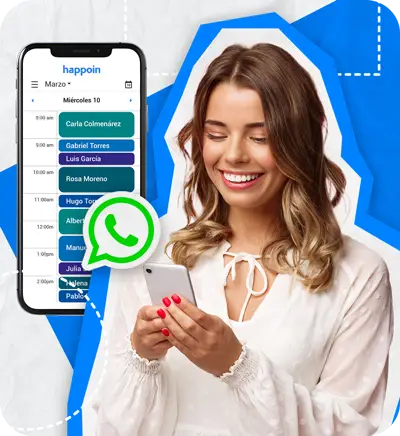
Happoin: Your go-to booking app to automate WhatsApp reminders and boost business productivity.
When it comes to WhatsApp appointment reminders, confirmations and simplify your booking business management, Happoin is your go-to solution. This innovative app offers a suite of tools designed to simplify appointment scheduling and maximize your business efficiency.
From automated reminders to instant confirmations, Happoin is a trusted and effective tool for businesses looking to boost productivity. Optimize your schedule with automation and minimize no-shows. Try it free for 15 days with no credit card required.
Advantages of Using Happoin
-
Automated reminders from your business's WhatsApp: Unlike other applications, Happoin send all appointment notifications through your business's WhatsApp, making these notifications more effective because your clients are not receiving messages from an unknown number and reducing no-shows.
-
Custom Notifications: You can customize messages to reflect the tone and personality of your business, ensuring that every customer feels valued and trusted. Plus, there are sample messages or message templates that you can modify and adjust. You can also set the time when you want these personalized reminders to be sent.
-
WhatsApp ChatBot to Save Time: You can turn on HappiBot 2.0, an AI-powered chatbot for your business's WhatsApp. This is a great way to save time because will handle your business 24/7, answer FAQ and handle handle appointment bookings for you, so you don't have to do it manually. HappiBot 2.0 can take appointments directly through the chat conversation or provide your clients with a booking link.
-
Booking website: Happoin provides your business with a web page and booking link where your clients can easily book appointments, reducing the number of calls and messages you have to handle manually to schedule appointments by up to 50%. You will be able to display your entire service catalog, accept online payments during the reservation and display customer reviews.
-
Security and Privacy: It offers an encrypted database storage system, ensuring that your business and customer information is protected, always respecting privacy policies.
-
Plans and Prices: It offers a free version plan for small businesses and scalable paid options depending on the size and needs of the business. Subscription plans have a wide variety of management tools, including your personalized website.
Happoin and Google Calendar Integration
If you currently use Google Calendar to manage your appointments, Happoin's integration can save you valuable time as it would take care of sending appointment notifications and reminders via WhatsApp for the appointments you schedule through Google Calendar. Also, directly from your Google Calendar, you'll be able to see the status of your appointments: confirmed or canceled, all from a single calendar.
As you know google calendar doesn't have the option to send an automate appointment reminders through WhatsApp.
What Results Can You Expect After Switching to Automated Reminders?
Businesses that switch from manual to automated WhatsApp reminders typically see fewer no-shows within the first few weeks. Based on internal Happoin platform data across active accounts, businesses using automated WhatsApp reminders report a 39% reduction in no-shows and a 49% drop in time spent on manual appointment admin.
Real users back this up in their own words. Ana María Pérez Plasencia, from Kinisi Readaptación Física, says: "We love being able to customize the messages sent automatically to confirm appointments. Very recommendable."
Karina Massa Tur, another Happoin user, put it simply: "It really simplifies the whole scheduling and reminders situation. It's easy to use, and support is great."
Results vary by business size and how consistently reminders are set up, so treat these as a realistic range rather than a guarantee. The pattern holds across clinics, salons, and studios: fewer gaps in the calendar, less time on the phone.
To conclude, WhatsApp appointment confirmation is a modern and efficient solution that can transform the way you manage your business. By implementing this feature, you will not only reduce no-shows, but you will also improve your customers’ experience, making them feel valued and optimizing your time.
With Happoin , you can automate this process and enjoy a complete platform that centralizes the administration of your business, from invoicing to payments and appointments.
Don’t waste any more time managing your booking calendar manually, start optimizing it today with Happoin.
Ready to grow your business?
Try Happoin for free and discover how a simple WhatsApp confirmation can make a big difference.