WhatsApp for Psychologists: How to Optimize Your Practice Management and Reclaim Your Personal Life

It is 9:45 PM on a Sunday. You are finally unwinding after a demanding week of clinical sessions. Just as you start to relax, your phone pings. It’s a WhatsApp message from a patient asking to reschedule tomorrow’s 9:00 AM session—or worse, a non-urgent "check-in" that pulls your mind straight back into work mode.
In that split second, your personal space is invaded. The line between your "professional self" and your "private self" disappears.
This scenario is the daily reality for thousands of mental health professionals. While WhatsApp is the most convenient communication tool in the world, for those in the field of psychology, it has become a double-edged sword. Without a clear strategy for therapy practice management, your chat app can transform from a helpful tool into the primary driver of your burnout.
In this guide, we will explore how you can regain your privacy, set healthy professional boundaries on WhatsApp, and automate your practice without losing the human touch.
The "Always-On" Therapist Dilemma
The instant access provided by smartphones has shifted the dynamics of the therapist-patient relationship. For many patients, having their therapist's phone number provides a sense of security. However, it can also foster a false expectation of 24/7 availability.
The Impact on Professional Boundaries on WhatsApp
The therapeutic frame isn't just what happens inside your office; it includes how you communicate outside of sessions. When you respond to messages at odd hours, you are implicitly communicating that your boundaries are flexible.
This doesn't just affect your rest—it can actually hinder the patient's progress. They may begin to view the chat as an extension of therapy rather than a logistical channel. Setting professional boundaries on WhatsApp is an act of care for both you and your patient. It preserves the "asymmetry" necessary for a healthy clinical relationship.
Privacy and Ethical Risks
Using a personal WhatsApp account for patient communication management carries significant risks. Your personal profile picture, status updates, and "last seen" times are visible to patients, which can lead to uncomfortable "self-disclosures" you didn't intend to make. Furthermore, managing sensitive data on a personal device without professional filters can lead to organizational chaos.
The First Step: WhatsApp Business for Therapists
If you are still using the standard version of WhatsApp for work, your first priority is migrating to WhatsApp Business for therapists. This is a free, separate app that allows you to keep your personal and professional chats strictly apart, even on the same device.
Key Advantages for Practice Management
The Business version offers features that the personal app lacks, which are vital for therapy practice management:
-
Professional Profile: Include your office address, website, hours of operation, and a brief description of your services.
-
Greeting & Away Messages: These are essential for managing response expectations.
-
Catalogs: You can list your different session types (e.g., individual therapy, couples counseling, workshops) with their respective fees.
-
Labels: Organize your patients by status (e.g., "New Inquiry," "Confirmed Appointment," "Pending Payment").
Setting Up a Professional WhatsApp Number
Ideally, you should have a dedicated professional number. You can achieve this using a dual-SIM phone, a virtual SIM, or even by setting up WhatsApp Business using your office’s landline. Having two separate apps on your phone allows you to "turn off" work notifications at the end of the day without disconnecting from your friends and family.
Strategies for Effective Patient Communication Management
Once the right tool is in place, you need a strategy. Your communication should be professional, empathetic, and, above all, efficient.
Maintaining the Human Touch
A common fear among psychologists is that professionalizing their communication will make them seem "cold." On the contrary, using "Quick Replies" for frequently asked questions (like your address or cancellation policy) ensures that the patient gets a prompt, clear answer while you save time. The goal is for the patient to feel heard without you having to type the same message fifty times a month.
Establishing Clear Office Hours
Your "Away Message" is your best friend. If a patient messages you at 10:00 PM, they should receive an automated response:
"Hello, thank you for reaching out. I have received your message, but my office hours are Monday through Friday, 9:00 AM to 6:00 PM. I will respond to you as soon as I am back in the office. If this is a psychiatric emergency, please call [local emergency number] or go to the nearest ER."
This educates the patient on your boundaries and protects your peace of mind without leaving them "on read."
How to Separate Personal and Professional Life as a Therapist
True freedom comes when you stop being the secretary of your own practice. Manually managing a schedule via WhatsApp can consume up to 30% of your workweek. If you are wondering how to separate personal and professional life as a therapist, the answer lies in automation.
Ending the "Digital Double Life"
Many therapists try to juggle a paper planner while coordinating appointments via WhatsApp. This leads to double-bookings, missed sessions, and constant mental clutter. By delegating administrative logistics to an intelligent system, you can enter every session with a clear mind, knowing that the "front door" of your practice is being managed.
Automated Scheduling
The back-and-forth of "Are you free Tuesday at 4?" "No, how about Wednesday?" is exhausting. Automation allows patients to view your real-time availability and book their own slots. This empowers the patient and drastically reduces your administrative workload.
Happoin: The Professional Filter Between Your Patients and Your Free Time
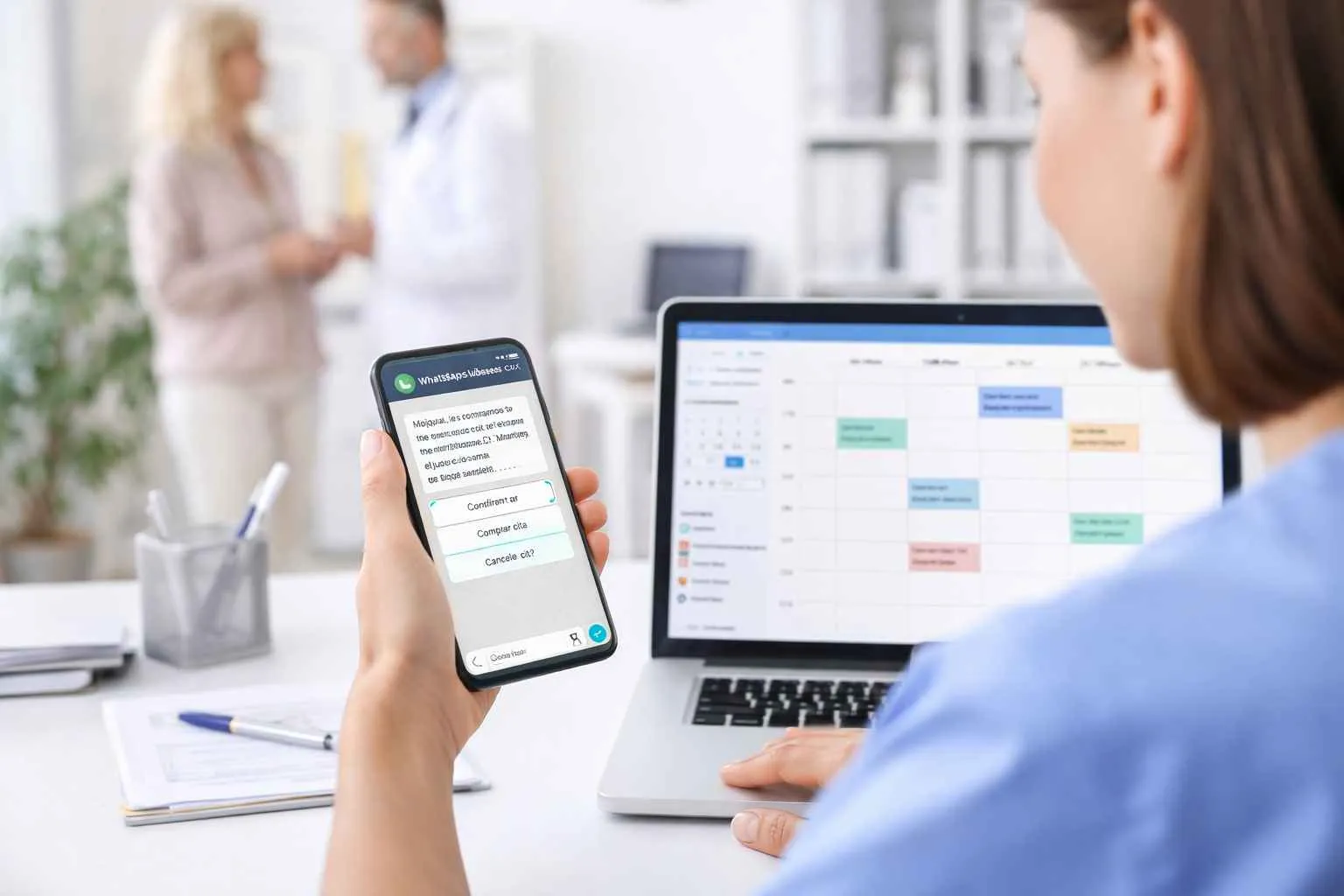
This is where Happoin transforms your professional life. We aren't just a booking app; we are the assistant that ensures your WhatsApp works for you—not the other way around.
HappiBot: Your 24/7 Virtual Receptionist
With Happoin, you can activate HappiBot on your professional WhatsApp number. When a patient reaches out, the bot handles the initial interaction:
-
It displays your services and rates.
-
It shares your real-time availability.
-
It books the appointment and collects necessary intake info.
Everything happens in the background. You simply see the confirmed appointment appear in your calendar. The patient receives immediate service, and you maintain your privacy.
Why Happoin is the Ultimate Tool for Therapists
-
Total Privacy: By automating the first contact, you don't need to be glued to every notification.
-
Reduced No-Shows: Happoin sends automated reminders directly through your professional WhatsApp, ensuring patients confirm their attendance without you lifting a finger.
-
Professional Branding: You provide a high-tech experience that builds trust and reinforces your image as an organized, top-tier professional.
Conclusion: Toward a More Human, Less Administrative Practice
Therapy practice management should not be a burden that overshadows your calling. By understanding how to use WhatsApp for psychologists effectively, you are choosing to protect your time, your income, and your mental health.
Implementing a dedicated professional number and utilizing automation are the steps that will allow you to enjoy your Sunday nights again—without interruptions.
Are you ready to set healthy boundaries and professionalize your practice? Discover how Happoin can automate your office management, allowing you to focus on what truly matters: the well-being of your patients.
Frequently Asked Questions (FAQ)
1. Can I use Happoin with my existing WhatsApp Business number?
Yes. Happoin integrates seamlessly with your professional number, allowing you to automate appointments without losing your current contacts or chat history.
2. How do I explain the use of a chatbot to my patients?
Most patients appreciate the 24/7 responsiveness. You can introduce it as a new "Online Booking Assistant" designed to provide them with instant scheduling and reminders.
3. What if a patient messages me with an emergency?
Happoin allows you to set custom messages. We always recommend including a disclaimer that the channel is for administrative use only and providing local emergency contact information for crises.
4. Is it difficult to set up therapy practice management with Happoin?
Not at all. Happoin is designed to be intuitive for healthcare professionals. You can have your automated booking link and WhatsApp bot running in just a few minutes.