
CTO | Web developer
WhatsApp Chatbot for Appointments: The Ultimate Guide to Automating Bookings and Reducing No-Shows

A WhatsApp appointment chatbot automates bookings, confirmations, and reminders directly inside the chat. It helps businesses reduce no-shows, save hours every week, and deliver a better customer experience. With Happoin, you can connect it to Google Calendar and enable payments in just minutes.
Key takeaways:
-
A WhatsApp chatbot for appointment booking lets your clients book, confirm, and reschedule inside the chat—no calls, no extra apps.
-
Automated reminders cut no-shows, while round-the-clock replies save your team hours every week.
-
With Happoin you keep your own WhatsApp number, synced to Google Calendar and payments, and go live in minutes.
Not long ago, booking an appointment meant calling on the phone, waiting for someone to answer (if they ever did), and begging for an open slot sometime between “Tuesday” and “never.”
Now, that outdated process has been replaced by a simple buzz in your pocket and an instant automated reply with almost scary efficiency: the WhatsApp chatbot for appointments . No complications, no hold music—just a silent, always-awake assistant that manages your schedule.
In today’s digital age, where time is the new gold and customer attention is becoming scarce, automating appointment scheduling has turned into a survival strategy. For appointment-driven businesses—clinics, beauty salons, medical practices, or any service where “what time works for you?” defines productivity—having a digital assistant that doesn’t charge overtime or need vacation days feels miraculous.
And if we talk about miracles, WhatsApp is the leader in fast customer experiences .
With more than 2 billion active users, WhatsApp is more universal than coffee. And just like coffee, it’s useful for everything: chatting with clients, closing sales, and managing appointment calendars. But its new role as a 24/7 digital receptionist powered by chatbots is perhaps its most valuable function, where the customer experience is maximized.
Chat Before Calling: The New Rule of Customer Experience
According to Telefónica Spain, 96.8% of young people between 14 and 24 prefer to text rather than call. This reveals how much our communication habits have evolved: from urgent calls to two-minute voice notes with dramatic pauses. Direct phone interaction has become almost uncomfortable.
It’s no surprise then that over 80% of small businesses now use WhatsApp as their main service channel .
Within this trend, WhatsApp chatbots have become the new silent heroes.
Because they don’t just answer—they never get tired, they avoid human errors, and they don’t demand a raise.
More than 60% of consumers already prefer to book and confirm appointments through WhatsApp bots . Why? Immediacy. People want answers faster than a like on Instagram.
And if you’ve ever managed a business, you know the moment: the phone rings, three WhatsApp messages arrive, and a client asks, “Do you have an opening tomorrow at 9?” That’s when a WhatsApp appointment chatbot feels like a lifesaver in the cloud.
Imagine offering 24/7 communication with your clients—without hiring more staff and without being glued to your phone.
Even your Google Calendar can be automated and synced with a WhatsApp bot to send reminders.
This is the real power of WhatsApp automation .
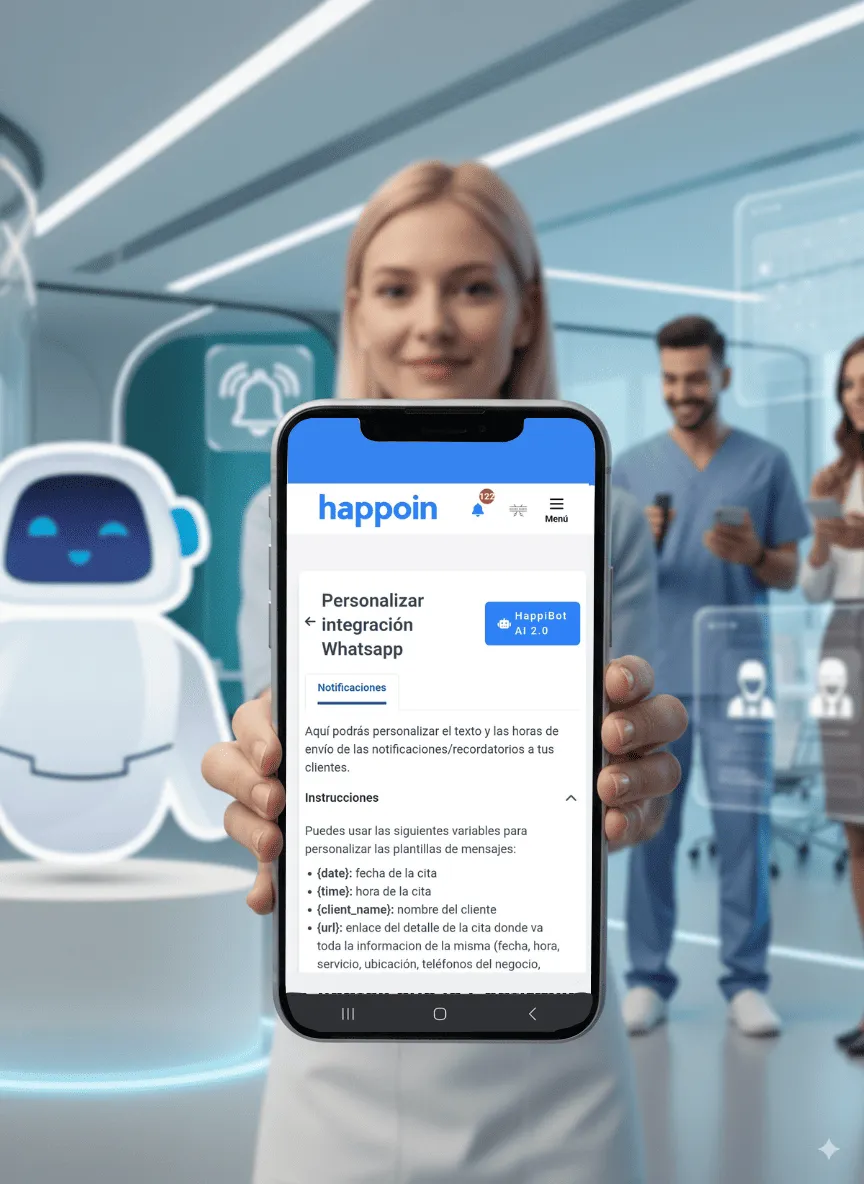
Why Appointment-Based Businesses Need a WhatsApp Chatbot
If you’ve ever ended your day with dozens of unanswered messages, you know how draining it can be. Every missed confirmation means an empty chair in your clinic or a wasted slot in your schedule.
Think of a digital receptionist with perfect memory, 24/7 availability, and zero need for coffee—delivering a seamless and secure customer experience.
That’s a WhatsApp chatbot.
It can confirm appointments, send automated reminders, answer FAQs like “Do you take walk-ins?”, and even promote special offers.
According to Meta, more than 80% of SMEs in Spain and Latin America rely on WhatsApp—but most still manage it manually.
That’s why solutions like WhatsApp appointment chatbots are transforming businesses by automating:
-
24/7 Customer Service: Bots answer FAQs, take bookings, solve issues, and send reminders to avoid no-shows. They can even handle deposits.
-
Sales & Automated Bookings: Smart bots help customers find services, complete payments, and confirm appointments instantly.
-
Marketing Campaigns: Bots can send promotional messages, collect client data, and generate leads—all inside WhatsApp.
Benefits of Automating WhatsApp Messages
Using a WhatsApp chatbot for appointment scheduling offers multiple advantages:
-
Better Customer Service: Respond to clients instantly, resolve common issues, and free up staff for more complex tasks.
-
Increased Sales: Bots never close. They help customers book, purchase, or reschedule appointments at any time.
-
Lead Generation: Collect client data (name, email, phone number) to generate leads and fuel promotions.
Must-Have Integrations for Any Business
A high-performing WhatsApp appointment bot doesn’t just book—it also connects with your tools:
-
Google Calendar or Outlook: Prevent double-bookings with automatic sync.
-
Payment Gateways (Stripe, PayPal, Mercado Pago): Collect deposits to reduce cancellations.
-
CRM or Databases: Store client details for future campaigns.
With Happoin , all of this comes pre-integrated—no technical skills needed.
Best WhatsApp Chatbot Apps for Appointment Scheduling
There are multiple options available. Here are the top choices for businesses:
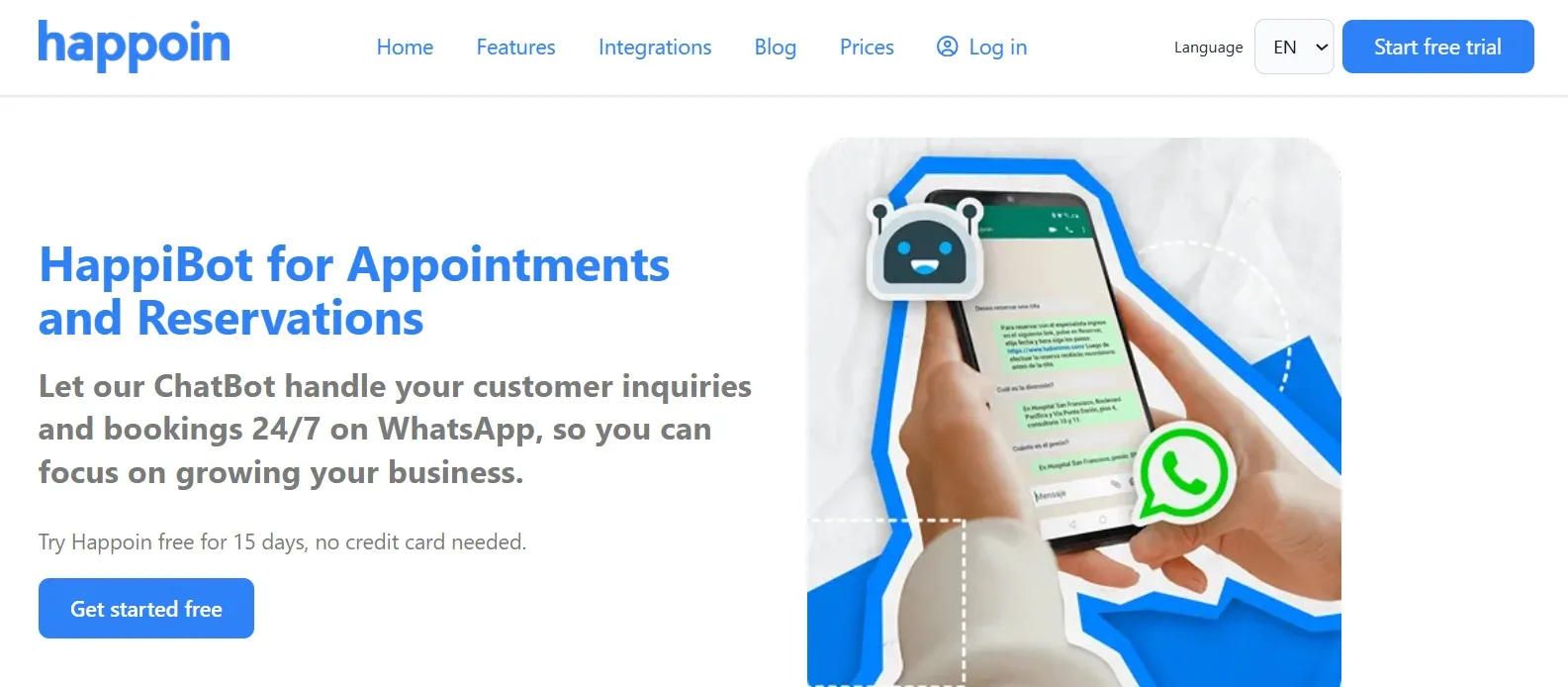
Happoin AI ChatBot
-
Description: Specialized booking appointment app, scheduling chatbots for WhatsApp and automated WhatsApp reminders
-
Highlights: No-code, ready-to-use, designed for appointment-based businesses (health, clinics, salons, vets, psychologists, etc.). Supports instant booking without leaving WhatsApp, rescheduling, custom notifications, Google Calendar sync, and more.
-
Trial: 15-day free trial.
ChatGPT for WhatsApp
-
Description: Advanced conversational AI powered by OpenAI.
-
Highlights: Natural language understanding and contextual replies.
Twilio API for WhatsApp
-
Description: A developer-focused API for creating custom chatbots.
-
Highlights: High flexibility, advanced integrations.
Landbot
-
Description: No-code chatbot builder with visual flows.
-
Highlights: Easy drag-and-drop interface, simple automations.
ManyChat
-
Description: Widely known for marketing bots, also integrates with WhatsApp.
-
Highlights: Easy setup, lead capture, and automation features.
Plataforma
Google Calendar
Pagos integrados
No-code
Ideal para
Happoin
✔️
✔️
✔️
Hospitals, Cosmetology clinics, Therapy centers, Salons, Vets
Landbot
Partial
Partial
✔️
Simple and fluid appointment process
Twilio
✔️ (Advanced)
✔️ (Dev)
❌
Big companies with a technical team
ManyChat
Limited
Partial
✔️
Basic conversational business
How to Create a WhatsApp Appointment Chatbot
-
Choose a platform: Ready-to-use tools like Happoin or Landbot work without coding. Developers may prefer Twilio for custom bots.
-
Define use cases: Confirmations, payments, rescheduling, FAQs, etc.
-
Set up WhatsApp Business API: Go through WhatsApp’s approval process to connect your chatbot.
-
Build conversation flows: Define logical interactions with menus, replies, and reminders.
-
Test with real users: Adjust until the flow is smooth.
-
Deploy & update: Launch the bot and improve over time.
How Much Does a WhatsApp Appointment Chatbot Cost?
-
No-Code Solutions (like Happoin): Affordable plans for SMEs, plug-and-play.
-
Custom Builds (like Twilio): Higher cost, require developers.
The real question is not cost—but how much time it saves and how many clients it brings in .
What Can a WhatsApp Appointment Chatbot Do?
A WhatsApp bot for appointments is like a digital receptionist that never sleeps:
-
Book appointments without leaving WhatsApp (Happoin’s HappiBot 2.0).
-
Send instant confirmations.
-
Deliver automated reminders (48h, 24h, or 1h before).
-
Reschedule when clients can’t attend.
-
Collect deposits to reduce no-shows.
-
Answer FAQs automatically.
Result: less stress, fewer repetitive tasks, more satisfied customers.
Example Flow: 5 Steps to Book an Appointment
With Happoin , the client is scheduled in under one minute:
-
Client sends: “I want to book tomorrow.”
-
Bot replies with available slots.
-
Client picks a time.
-
Bot confirms and saves the booking.
-
System sends reminders until the appointment.
Who Can Use a WhatsApp Chatbot for Appointments?
-
Beauty & spas: Reduce cancellations with reminders.
-
Medical clinics & doctors: Manage turn-taking and protect patient privacy.
-
Veterinary practices: Book checkups and recurring visits.
-
Therapists & psychologists: Allow rescheduling without overload.
-
Tattoo studios: Collect deposits instantly on WhatsApp.
-
Any appointment-based business wanting efficiency and growth.
Ready to Stop Answering Messages and Start Growing Your Business?
Managing appointments shouldn't feel like a full-time job. Every minute you spend replying to "do you have time tomorrow?" or dealing with last-minute no-shows is time stolen from doing what you actually love—and making your business grow.
With Happoin, you get more than just a scheduling app; you turn your WhatsApp into an intelligent, 24/7 digital receptionist that handles bookings, syncs your Google Calendar, and sends automated reminders from your own business number. No technical complications, no extra apps for your clients, and zero manual hassle.
It’s time to take control of your schedule, eliminate empty slots, and focus on what truly matters.
👉 Start your 15-day Free Trial with Happoin today and transform the way you manage your time without complications.